EXACT HARDWARE. A USEFUL ANSWER.
Will a CalDigit TS4 run two monitors on an M1 MacBook Air?
No. The TS4 does not give the MacBook Air M1 (2020) a second native external display. This Mac supports one native external screen; extra dock sockets do not add another display stream.
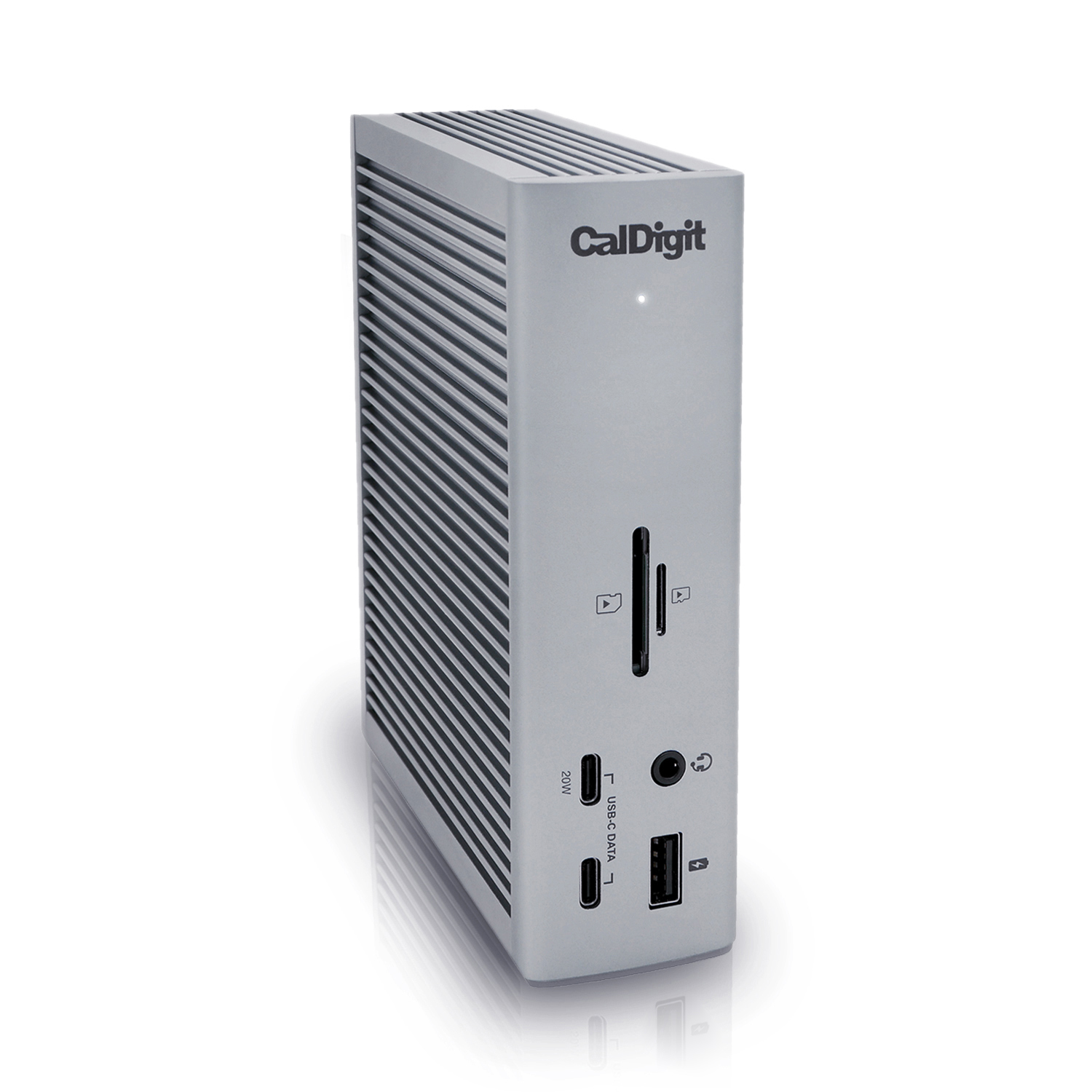
What does work with the TS4?
One native external display, with a compatible display mode, OS and cable path. For a DisplayPort monitor, the route is your M1 Air → included TS4 host cable → TS4 DisplayPort output → a suitable DisplayPort display cable. Keep the included TS4 supply connected; host charging is up to 98W, negotiated with the Mac.
A video connection through a downstream Thunderbolt port needs the correct USB-C video cable or adapter. The front and ordinary USB-C data sockets are not substitute video outputs. Other directly connected native screens count toward the same one-screen limit.
Does a different technology change the answer?
| Route | M1 Air consequence | Trade-off |
|---|---|---|
| Native Thunderbolt dock | One external native screen | No extra display stream from additional sockets |
| DisplayLink USB graphics | A separate software-based approach | App installation, macOS screen-recording permission and workload/content limits |
DisplayLink is generally aimed at productivity, with important gaming, 3D, video-editing and protected-playback limitations. We explain that distinction here, but the active collection does not offer a DisplayLink purchase recommendation. We do not preapprove software or permissions on your Mac.
This answer is specific to the M1 Air.
Do not extend it to M1 Pro/Max or every MacBook. The 13-inch M4 Air has a different native display budget. Compare the exact M1 and M4 Air cases.
The link retains the exact host, TS4 preference and screen count. OS, screen modes, cables and ownership still need your input; the preference cannot override an exclusion.
Primary evidence
- Apple: M1 MacBook Air specifications
- CalDigit TS4 manual
- CalDigit: MacBook display limits
- Plugable: DisplayLink limitations on macOS
Uses the manufacturer records checked October 1–7, 2026. No physical dock/Mac test is claimed.