EXACT HARDWARE. A USEFUL ANSWER.
TS5 or TS5 Plus: which fits two HDMI monitors?
Both can be candidates, but neither has a built-in HDMI socket. For two HDMI monitors, start with the adapters and the ports they consume. Your computer must also support two native external displays.
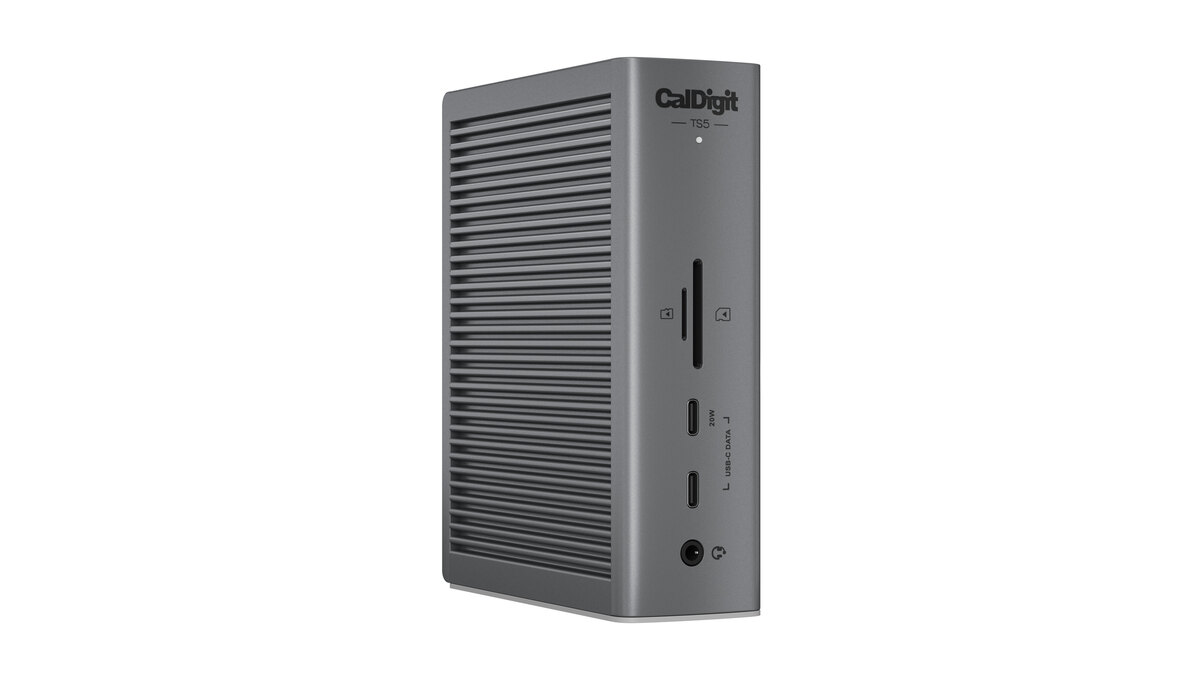
What do I need for two HDMI monitors?
| Dock and route | Display connections to provide | Downstream Thunderbolt ports left |
|---|---|---|
| TS5: two Thunderbolt outputs | Two USB-C-to-HDMI video adapters, each on its own downstream Thunderbolt port, plus two suitable HDMI cables | One of its three |
| TS5 Plus: two Thunderbolt outputs | The same two-adapter route | None of its two |
| TS5 Plus: DisplayPort plus Thunderbolt | One active DisplayPort-to-HDMI adapter, one USB-C-to-HDMI video adapter, plus two suitable HDMI cables | One of its two |
These counts are for the separate-output routes shown, before attaching other Thunderbolt devices. They are calculated from CalDigit’s TS5 connection instructions and TS5 Plus connection instructions. Ordinary USB-C data ports do not substitute for video outputs.
Which one should I shortlist?
Start with the TS5 if your plan is two USB-C-to-HDMI adapters and you want one downstream Thunderbolt port left for another device. Consider the TS5 Plus if its built-in DisplayPort, additional USB sockets or 10GbE are useful to your setup. The Plus can preserve a Thunderbolt port by using its DisplayPort output, but the HDMI conversion must be active and rated for your display mode.
Both include a host cable and a power supply, with up to 140W of host charging. Display adapters and display cables are separate. Compare the complete parts list rather than treating the dock price as the finished setup cost.
Will either dock give every laptop two screens?
No. For example, the MacBook Air M1 (2020) supports one native external display. The M4 MacBook Air supports two. Extra dock sockets do not increase the computer’s native display budget. Screens connected elsewhere can use that same budget.
Our finder covers the listed exact hosts and up to two 4K60 routes. Higher refresh rates, other computers and protected streaming need separate checks across the host, dock, adapter, cable and monitor. An HDMI adapter’s headline resolution alone is not a full compatibility result.
These links retain the dock preference and two-screen count. Choose your exact computer and HDMI inputs in the finder; no adapter ownership or fit is assumed.
Compare the exact models before checkout
Review the TS5 package and host limits or TS5 Plus package and host limits. Once your connection checks are satisfied, confirm the retailer’s exact model, seller, current price and stock.
As an Amazon Associate I earn from qualifying purchases.
More on exact MacBook display limits
Manufacturer connection guidance reviewed October 11, 2026. This is a parts-and-compatibility comparison, not a hands-on test or a promise of a particular display mode.